Turn your Progressive Web App into store-ready Android and iOS apps — without rewriting a line in Kotlin, Swift or Flutter.
Compatibility analysis, native project generation, build, signing and distribution. Not just a website in a WebView.
No credit card. No commitment.
Android is available today; iOS is planned and marked "Soon" on the roadmap.
Why PWA2APP
Rewriting a PWA as a native app is expensive, and you then have to maintain several code bases.
A plain WebView wrapper is often rejected by the stores: you need a real native project and native features.
PWA2APP first analyzes your PWA, then generates a Kotlin project you own, with a bridge to the phone's features.
From website to app in 5 steps
The full journey, from import to distribution.
Import
Enter your PWA's address or upload an archive.
Analyze
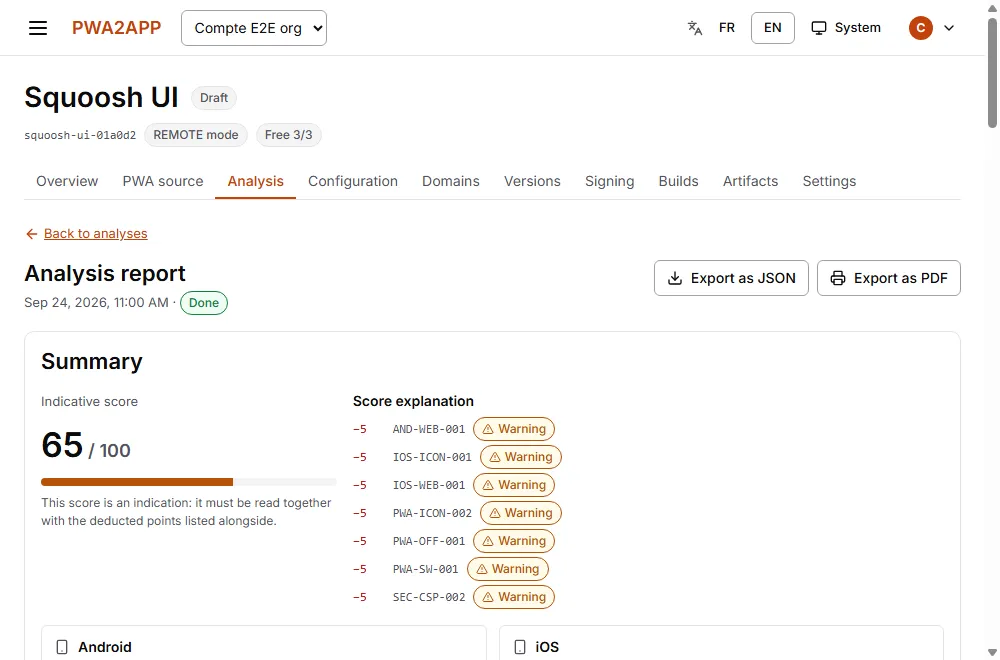
The report lists what is likely to cause problems, before you build.
Configure
Name, icon, colors, permissions and native features to enable.
Build
A native project is generated then compiled, with a live log.
Distribute
You get the APK and the project. Store publication comes next.
Four commitments
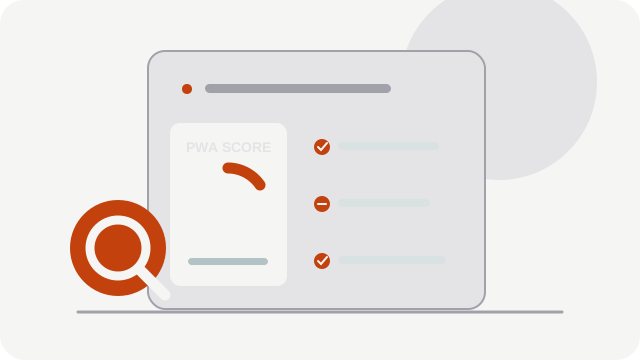
Analysis first
The PWA Analyzer applies 29 technical rules and tells you what will cause problems before you build.
Learn more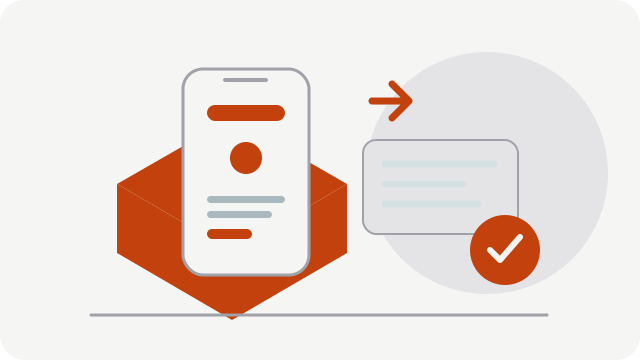
Truly native, not a wrapper
A Kotlin Android project, generated deterministically, with a Bridge to native features.
Learn more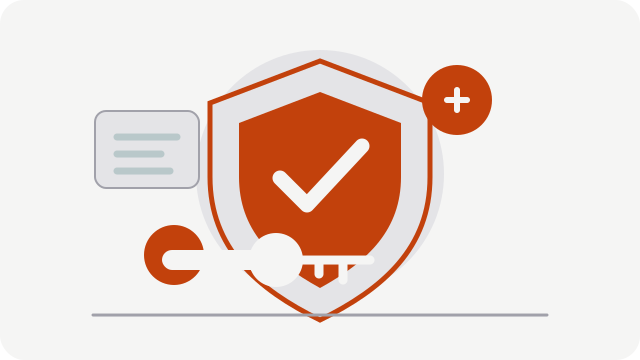
Serious security
Encrypted signing keys, separate build and signing, two-factor authentication and passkeys.
Built for French-speaking Africa
French and English interface, lightweight site for slow connections. Mobile Money payment: Soon.
The log of a real build
Excerpt from the log of an Android build run by the platform, as shown in the build tracker.
Récupération de l'icône depuis le manifeste
Icône fournie dans la configuration
Signature de la configuration par l'orchestrateur
81 fichiers générés
> Task :runtime:compileDebugKotlin
> Task :app:compileDebugKotlin
> Task :runtime:assembleDebug
> Task :app:assembleDebug
BUILD SUCCESSFUL in 4m
66 actionable tasks: 66 executed
ci.kraaxiom.ui31072-1.0.0-debug.apk (3899083 octets)
See what you will actually use
A real product screenshot: the report analyzes a PWA and surfaces warnings before the build.
Built by a team that ships software too
kra Axiom is developing PWA2APP to help web teams move through the Android steps without starting over. We show the product as it is and clearly mark what is still planned.
Learn about our storyThree wrapper modes
The wrapper mode decides how your PWA is embedded. Each has limits, shown here honestly.
REMOTE Available
The app loads your hosted PWA in a hardened WebView. Native Bridge available. Requires a connection.
Limit: without a network, a local error page is shown.
BUNDLED Soon
Your PWA's files are embedded in the app, for an offline start.
Limit: every content update requires a new version.
TWA Soon
Trusted Web Activity: your PWA runs in the device's Chrome browser.
Limit: no native Bridge in this mode.
Pricing at a glance
The first 3 applications are free for life, with no credit card. A subscription applies from the 4th application.
User reviews
We want to publish real feedback, with permission from the people who share it.
Our first reviews are on the way
PWA2APP is still in its launch phase. We have no customer testimonials to publish yet; we would rather wait for verifiable feedback than show made-up reviews.
Share your experienceSecurity at a glance
Four statements the platform upholds today:
- Your Android signing keys are encrypted (AES-256-GCM envelope) and can only be read by the signing service.
- Build and signing are performed by separate services.
- Build workers have no access to the database and do not hold the key that signs the configuration.
- Sign-in protected by two-factor authentication (TOTP) and passkeys.
Our role, and its limits
PWA2APP prepares everything for publication. The final decision belongs to Apple and Google, whose rules evolve. Our role is to tell you in advance what is likely to block you.
Risks detected according to the technical rules currently configured. Publication remains subject to Apple's and Google's review, and their rules evolve.
Frequently asked questions
How is this different from a simple WebView?
PWA2APP generates a real Android project (Kotlin, Gradle) with a hardened WebView, controlled navigation, a signed configuration and a Bridge to native features (camera, location, notifications…). You get the project.
Can I publish on the App Store today?
No. Only Android is available today. The iOS build requires a macOS machine with Xcode and is on the roadmap (Soon).
Does PWA2APP guarantee acceptance by Google or Apple?
No, nobody can. The analyzer flags risks detected according to the technical rules currently configured; publication remains subject to Apple's and Google's review.
Can I package someone else's website?
No. To build a production version you must prove that you control the PWA's domain. This is a protection feature, not a hidden detail.
How long does a build take?
It depends on the machine and cache. The tracker shows every step and the live log; the real duration of each build is shown in the history.
Try it with your own PWA
Three applications free for life. No credit card.
No credit card. No commitment.