The full journey, no detours
Five steps, from sign-up to APK. At each step, what can go wrong and how PWA2APP tells you.
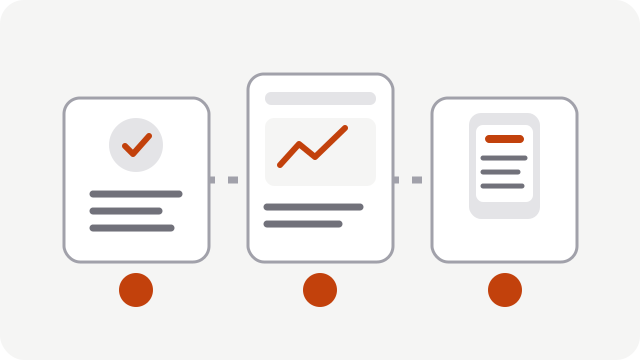
Import your PWA
Create an application and enter your PWA's https address. You can also upload an archive.
A few seconds.
What can go wrong: unreachable address or one blocked by our network protections. The error message states the cause.Analyze
The PWA Analyzer inspects your PWA and produces a report with a score and recommendations.
From a few seconds to about a minute depending on your site.
What can go wrong: a BLOCKER finding. It is explained with its recommendation; you fix your PWA then rerun the analysis.Configure
Name, Android package, icon, colors, permissions and Bridge native features.
A few minutes.
What can go wrong: package already taken, non-square icon. The interface tells you before the build.Build
Create a version then start a build: the project is generated, compiled and verified. The log appears live.
The real duration of each build is shown in the history.
What can go wrong: compilation failure. The build log and the error code explain why.Download and distribute
Download the APK (test variant) or the signed APK and AAB. Store publishing is coming.
Immediate once the build succeeds.
What can go wrong: a production variant without a signing key stays unsigned.
Real prerequisites
- A PWA served over HTTPS.
- A domain you control: ownership verification is a feature, it protects site owners.
- To publish, a Google developer account (and Apple, once iOS is available).
Risks detected according to the technical rules currently configured. Publication remains subject to Apple's and Google's review, and their rules evolve.
Try it with your own PWA
Three applications free for life. No credit card.
No credit card. No commitment.