Native Bridge
Call the phone from your PWA
The Bridge exposes the window.PWA2APP object to your page, only on your allowed origin. The @pwa2app/bridge SDK wraps it with full types and web fallbacks.
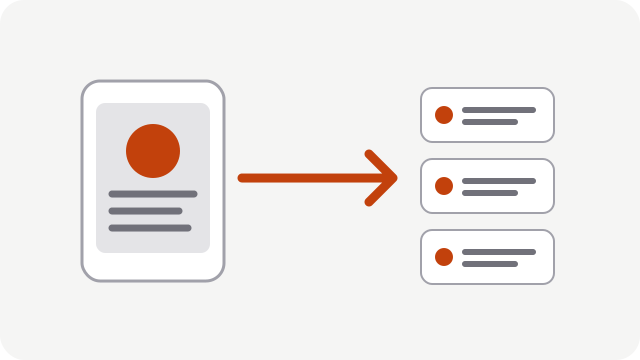
An example, as you would write it
In a regular browser, isNative() is false and the SDK uses the web equivalent when one exists.
import { PWA2APP } from "@pwa2app/bridge";

if (PWA2APP.isNative()) {
  const position = await PWA2APP.location.getCurrent({ precision: "approximate" });
  await PWA2APP.share.share({
    title: "Ma position",
    text: position.lat + "," + position.lng,
  });
}

const photo = await PWA2APP.camera.capture({ quality: 0.8, max_size_px: 1600 });
// photo.data_base64 contient l'image JPEG, jamais un chemin de fichier.
Features available on Android
27 methods grouped into 8 optional features, plus the base functions (device, network, app, status bar, haptics, sharing).
Camera and photo gallery
Take a photo or pick an image; the permission is requested at the time of use.
Location
One-off or watched position, approximate by default.
Local notifications
Ask permission and schedule notifications.
Biometrics
Fingerprint or face: the page only receives yes or no.
Files and clipboard
System picker, saving, sharing, clipboard.
Vibration
Vibrate the device with a pattern.
Security relies on origin, not on a secret
A secret placed in a page's JavaScript protects nothing: any script on the page can read it. The Bridge therefore checks the origin of the calling frame (provided by the system), accepts only the main frame, knows only the allow-listed methods enabled in the signed configuration, validates every parameter and rate-limits calls. There is no generic exec or eval method.
Current limits
- Android only; iOS: Soon.
- The push notification token (FCM) is not provided: notifications are local.
- A message is limited to 1 MB, so saving large files from the page is limited.
- The Bridge does not exist in TWA mode.
Try it with your own PWA
Three applications free for life. No credit card.
No credit card. No commitment.